The last few weeks have required me to get to grips with 3D modelling and retopology with Blender 3D. The original high poly sculpts I got from the concept artist JacksWorks were originally created to be able to draw out all the concept art for the Constructs. They weren't made for game engines as the poly count is in the millions per model due to being sculpted in Zbrush. This doesn't include the weapon and hardware sculpts either.
To get the models to even load in Tabletop Simulator they can't have more than 26k faces on a model. Decimating (automatically reducing the poly count) the meshes in Blender resulted in a lot of visual artifacts.
The next step was rigging them so they could be placed in different poses. For this I used Mixamo which automatically sets up the bones and rig. Unfortunately this led to a lot of warping as most models in games are organic which means they can have some bend and twist on the mesh itself. The TAC constructs are hard surface mechanical objects and don't bend at all.
I decided to just see it through to see if I could get them to load into TTS (Tabletop Simulator). This worked out fine as a trial run but there were still a lot of problems to overcome. For me the visual quality was terrible and didn't come close to the original sculpts and I would have to create a new mesh for every combination of hardware, weapon and weight class of each construct. This would result in creating over 1000 different model combinations — an impossible amount to keep track of and create.
I discovered that TTS could load Unity Asset bundles. This had quite a few advantages. The poly count limit was much higher and would allow more detailed in-game models. I could add all the weapons and hardware to a construct model, load that into TTS and then disable the unused weapons and hardware meshes. This would reduce creating 1000+ models down to 3.
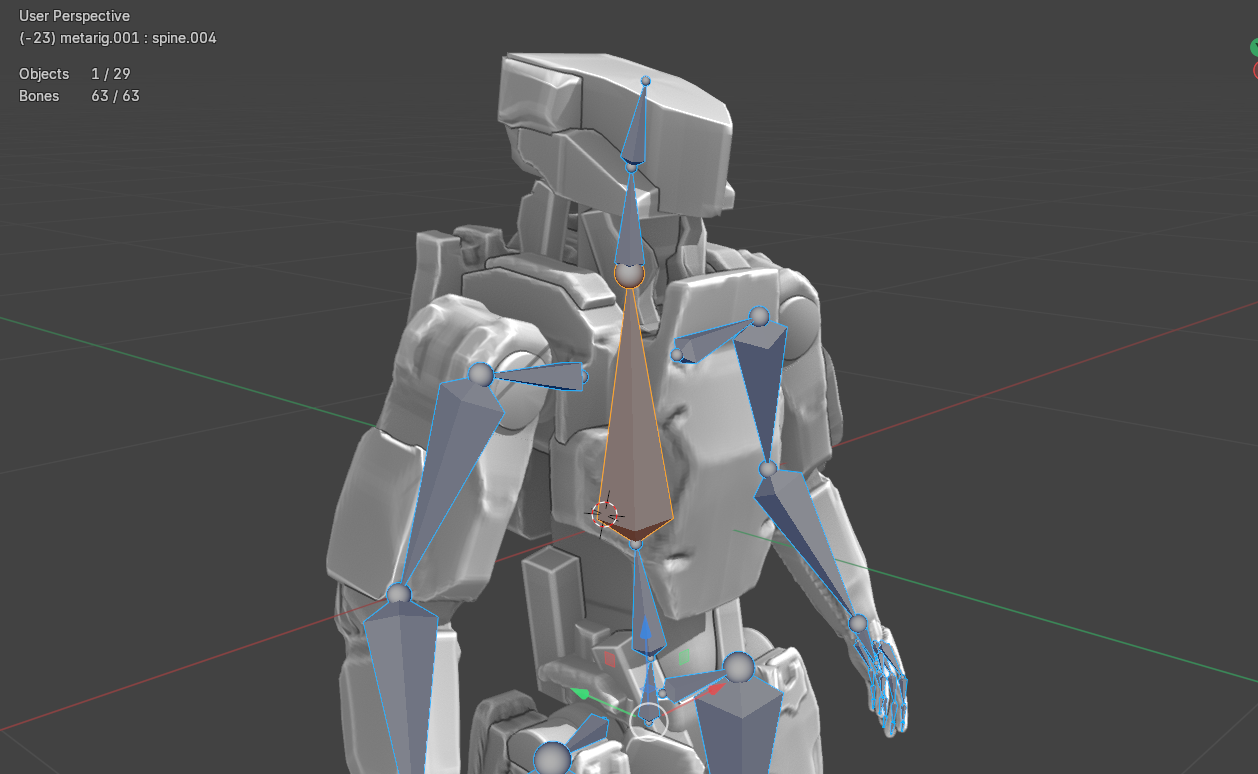
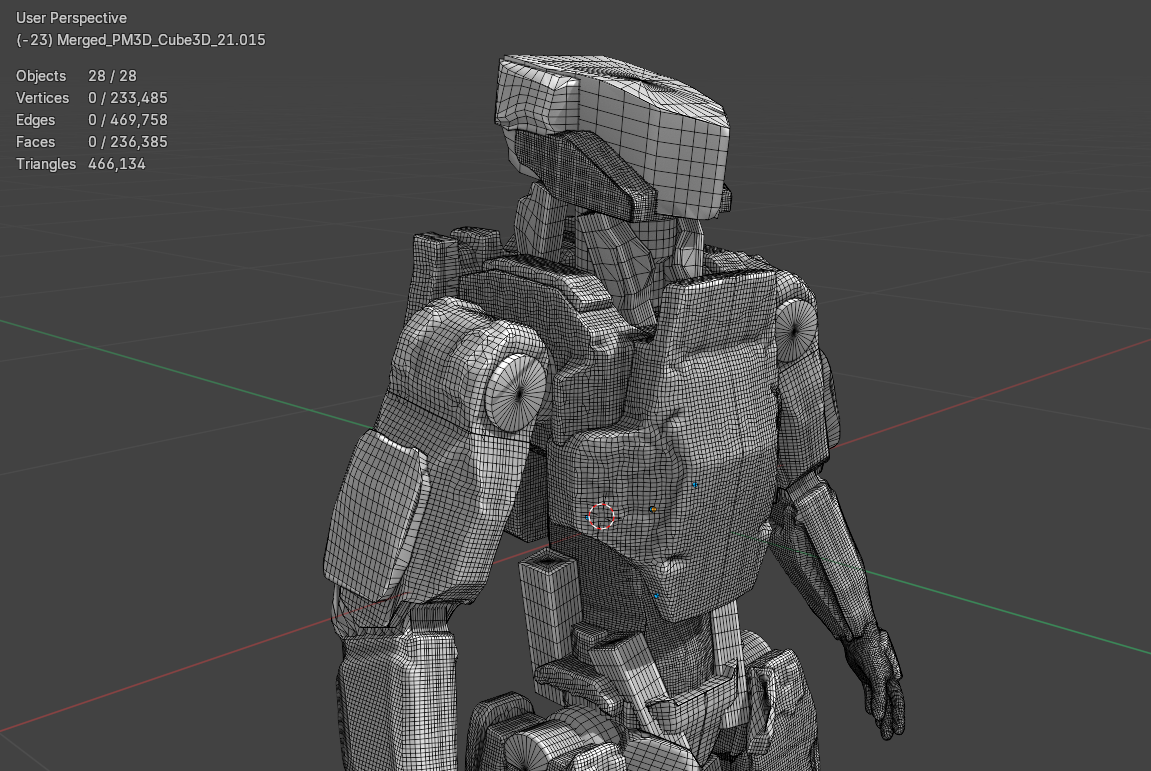
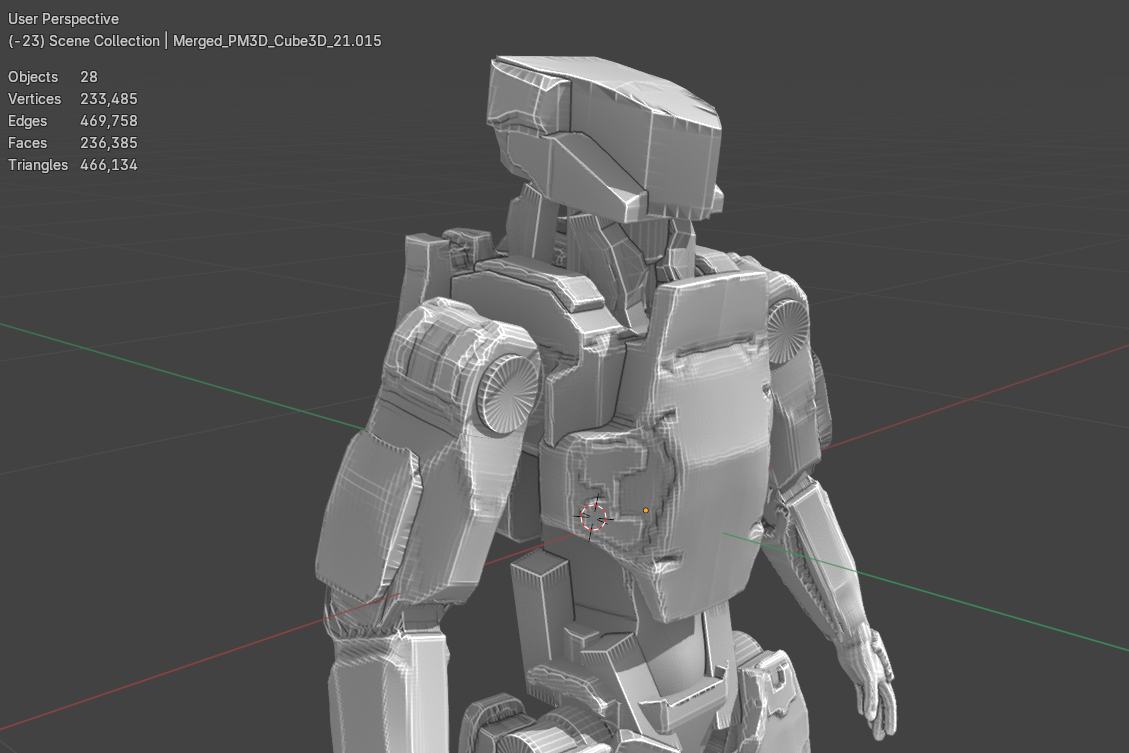
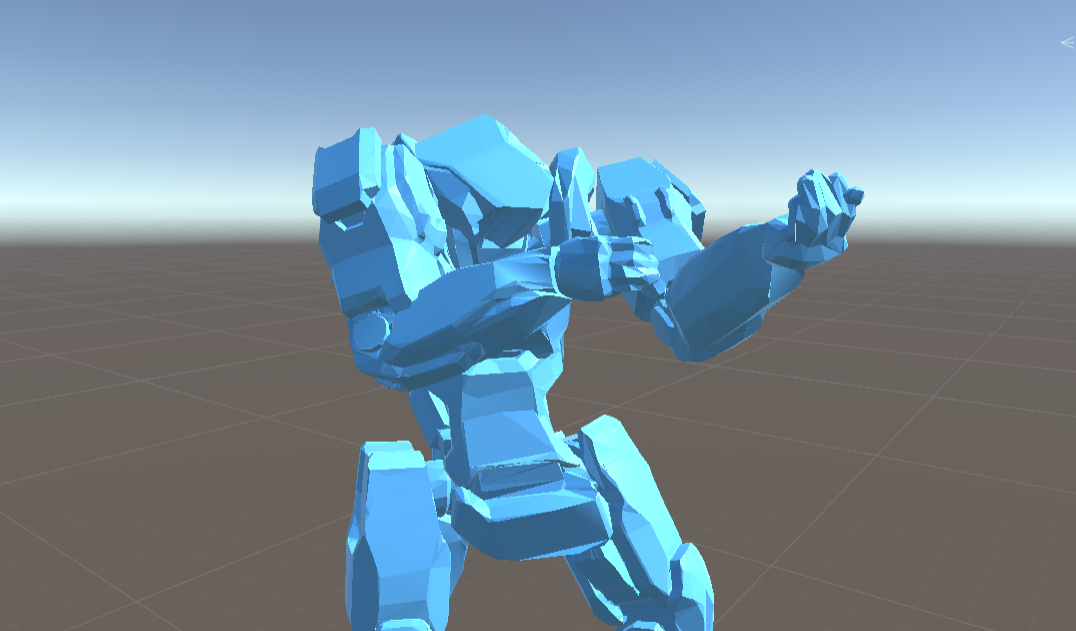
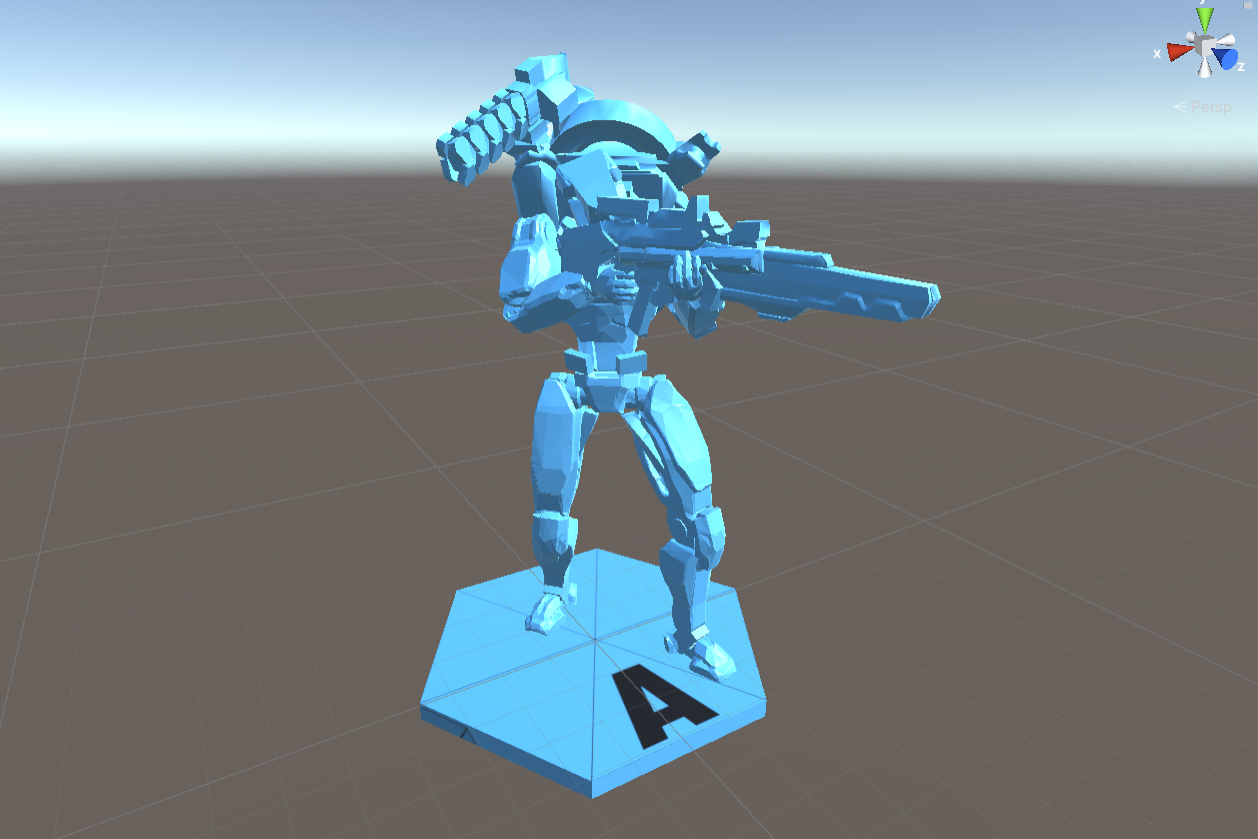
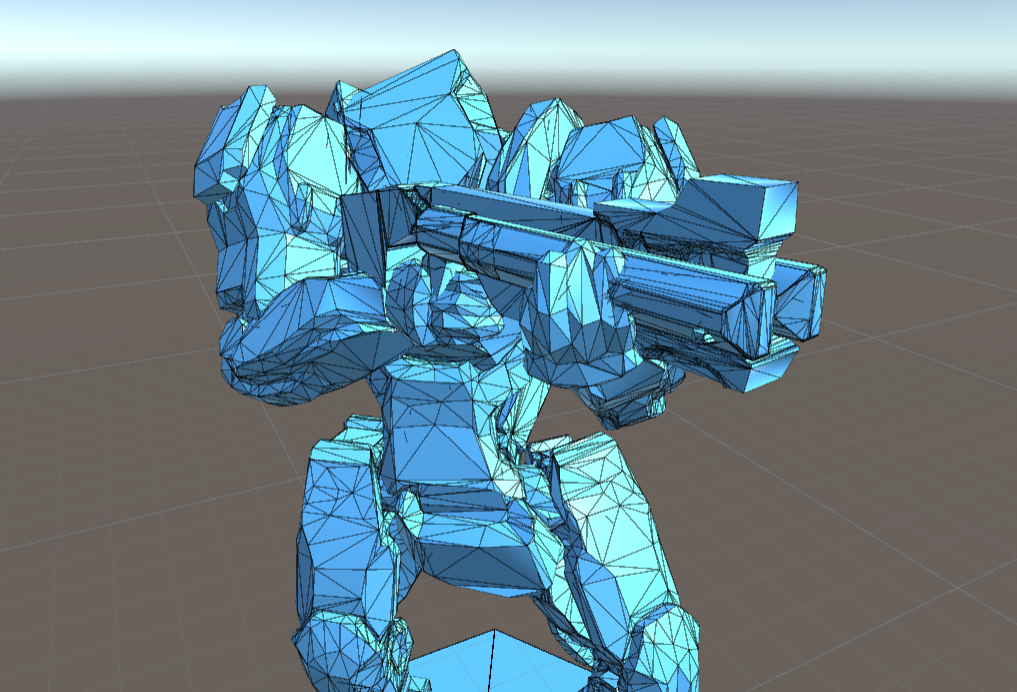
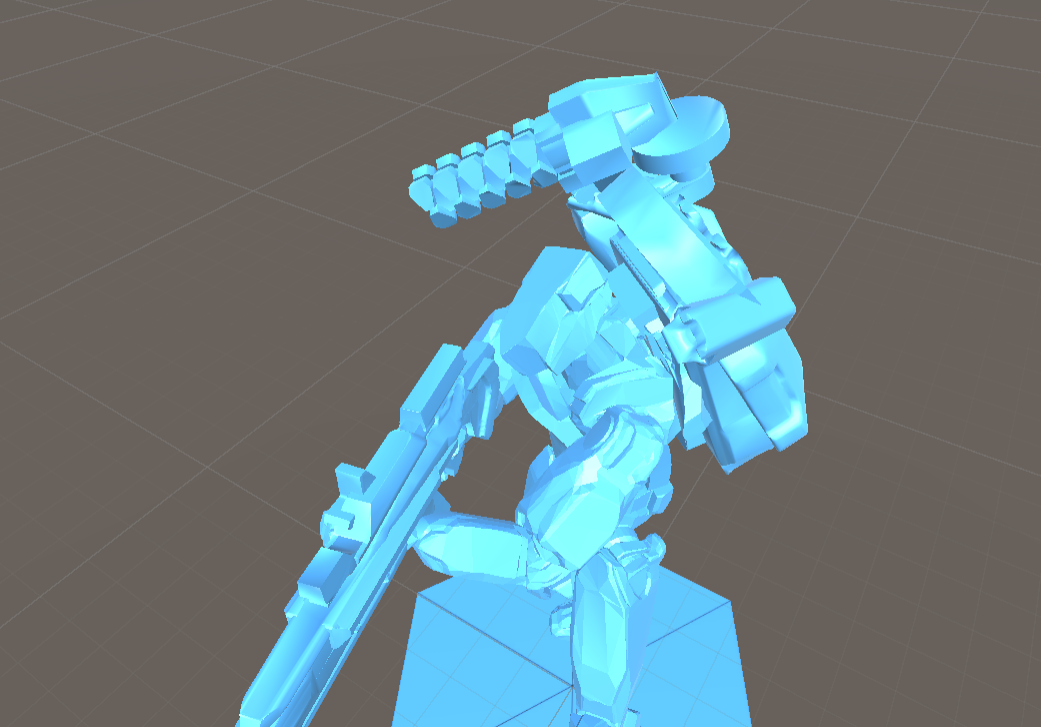
I'll make a follow up blog in a few days to show the rest of the work that's taken place with rigging and posing the high poly sculpt models. I'll also share how I've gotten the poly count down without using decimation and kept a much better level of quality with the models.
Thanks for dropping by. All the best.